


Since 1977, GeoStudio has been used in over 100 countries for its rigorous analytical capabilities, sophisticated integrations, and diverse applications.
Confidently conquer geotechnical challenges with GeoStudio
An integrated software suite for solving slope stability, groundwater flow, and environmental challenges
View productsTry it nowDeep insights from a fully integrated model
Get the big picture from all your data sources and run combined analyses – eliminating manual processing – to reveal new insights and uncover risks.
Expand your problem-solving capability by combining 1D, 2D, and 3D geometries, and multiple analyses from different products into a single model.
Clone that analysis and modify material properties or boundary condition to better understand the complex nature of your problem.
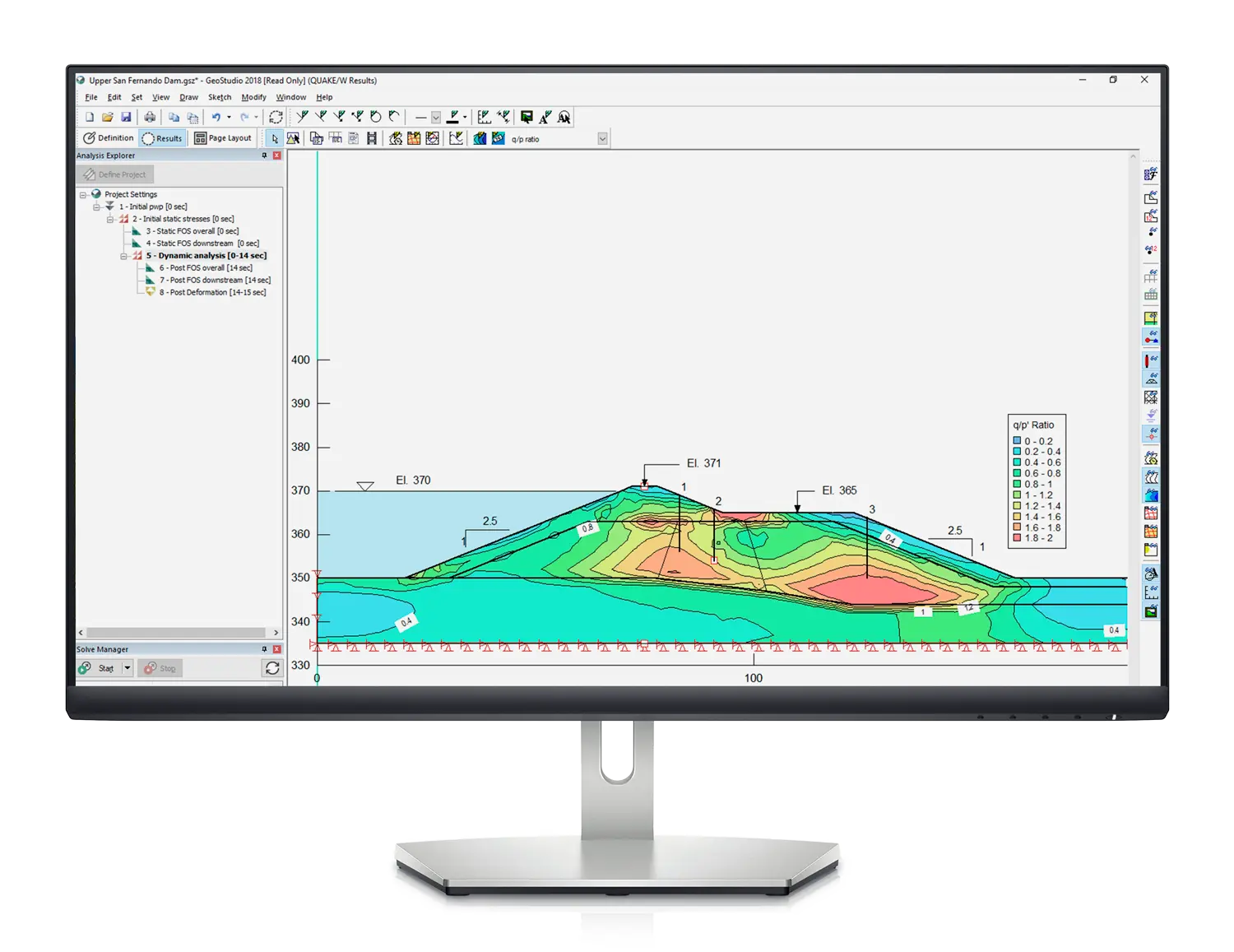
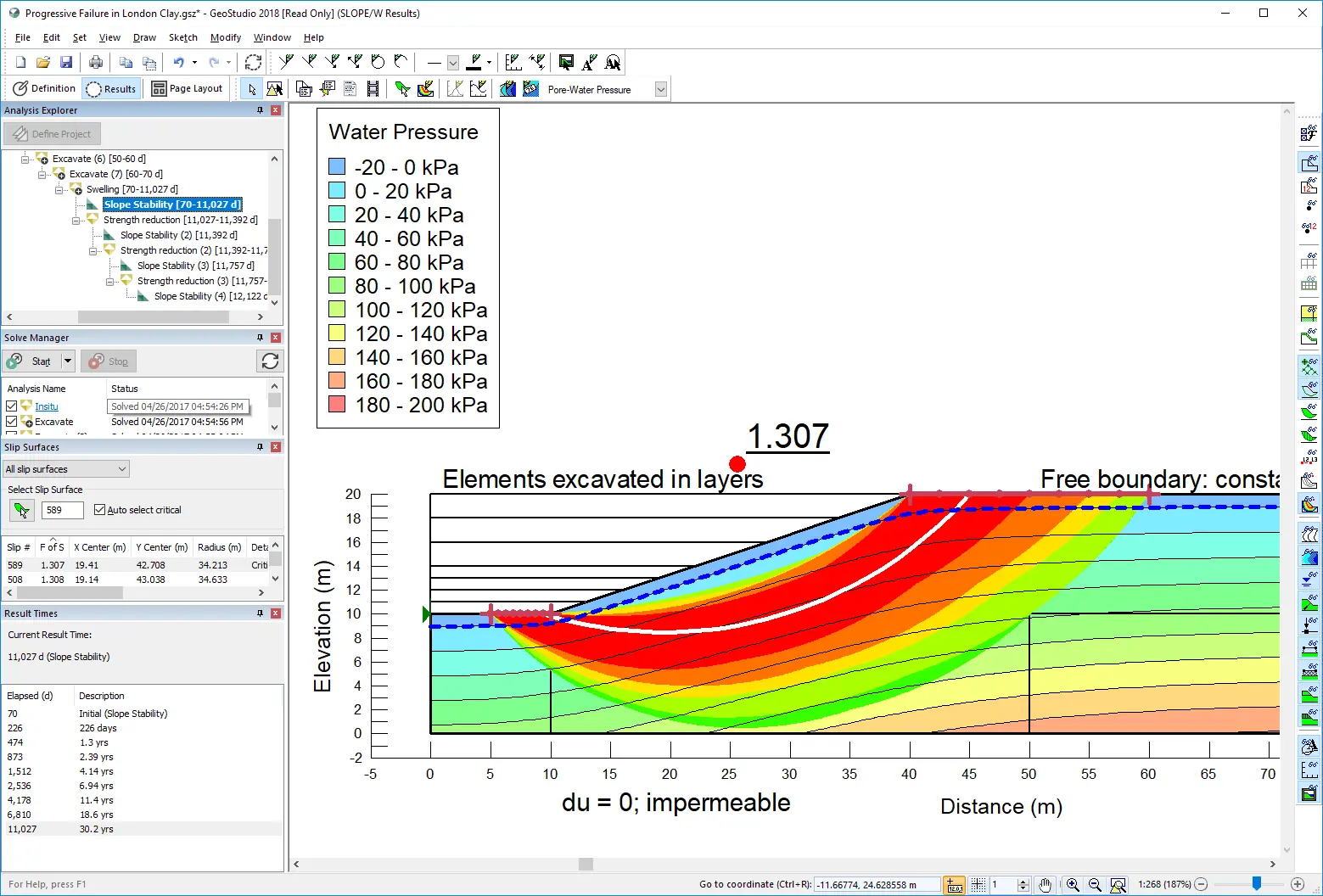
Save time with simultaneous analysis
Solve multiple analyses in parallel while you monitor and view results in separate or combined views.
With processes able to run concurrently, you can continue to generate construction sequences, establish initial conditions, perform sensitivity analyses, model complex time sequences, or divide a complex problem into smaller packages.
Dive deep and define your project reliably through a single file, while continuing to review results and re-assess as you go.
Power to define, interpret, and visualise
Interpret results using multiple visual features and generate an animated movie to show results over time.
Define your model geometry with powerful, integrated tools. Boolean operations provide explicit cutting, merge, and imprint functionality to define how 3D geometry items intersect.
Create your GeoStudio
Select the tools you need to analyse and visualise data in GeoStudio.
Integrate all your data to create precision geo-engineering models with confidence.
SLOPE3D
Perform sophisticated 3D limit equilibrium stability analysis of soil and rock slopes
SEEP/W & SEEP3D
Finite element analysis of groundwater flow in saturated / unsaturated porous media.
SIGMA/W
Finite element stress and deformation analysis of earth and structural materials.
TEMP/W & TEMP3D
Finite element analysis of heat transfer and phase change in porous media.
AIR/W & AIR3D
Finite element analysis of air transfer in mine waste and other porous media.
GeoStudio Stories
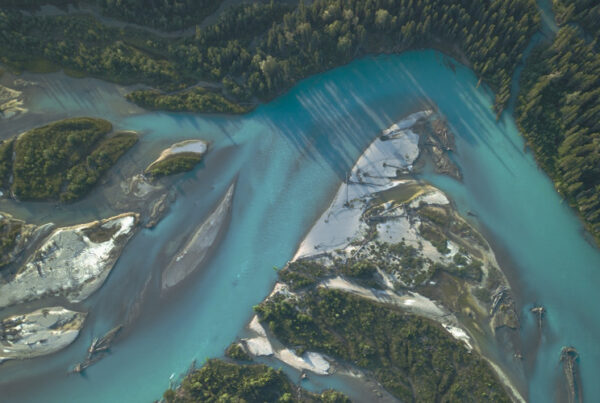
GeoStudio Answer Hour: New Features in GeoStudio
GeoStudio 2024.1 continues to build on Seequent’s geotechnical analysis solution, with the addition of many…

Integrate, communicate, and interpret geotechnical data
with industry-leading geo-engineering numerical modelling
Try it nowKey features

Customise how you work with data
Docking windows let you change information views and access the data you need. Use shortcut commands for zooming in on the results and monitoring analysis processes.

Solve multiple analyses in parallel
You can examine problems in different ways by cloning an analysis, adjusting the properties, and then running a new sequence using powerful built-in parallel processing.
Apply materials to domains with ease
There are several ways to apply material properties to models. Individually, to model different materials in different analyse; or globally, so you can change materials definitions across multiple analyses more easily.

Generate automated finite element meshing
A default finite element mesh is automatically applied to domain regions in 1D or 2D finite element analyses once materials are defined. Adjust the mesh globally or apply constraints to specific geometry objects.

Integrate your own code with add-ins
Using the GeoStudio Add-in API, you can write your own programs that can be called by the GeoStudio solver when your analysis is solved.

Define models using powerful tools
With the BUILD3D extension, define model domains using coordinate import, copy-paste geometric items, length and angle feedback, region merge, region split, and direct entry of coordinates, lengths, and angles.
Useful Information
System Requirements
We recommend you use Windows 10, with a reasonably fast processor, mid range graphics and 16GB of system memory.
Supported Data/Formats
Supported kinds of data and formats that you can use with GeoStudio