


Design safer and more sustainable tunnels, pipelines, containment systems, and stabilisation solutions for mining, civil, and environmental projects.
Transition from 1D to 2D to 3D design environments to examine sites, simulate options, and plan well-informed solutions.
Explore cyclic weather effects on engineering projects, such as freeze-thaw cycles and the changes created in hydraulic behaviour.
Interpret complex subsurface thermal systems with TEMP/W & TEMP3D
Design artificial ground freezing systems and investigate the thermal response of porous media to climate change
Go to storeTry it nowUsed worldwide to analyse and mitigate the effect of climate change on infrastructure
Calculate climate change impact
Climate change affects built infrastructure, especially at extremes. Investigate how a range of heat transfer mechanisms like conduction, forced-convection, and phase change, can impact structures.
Model ahead of the changes and design systems and options to ensure structural stability now and long-term.
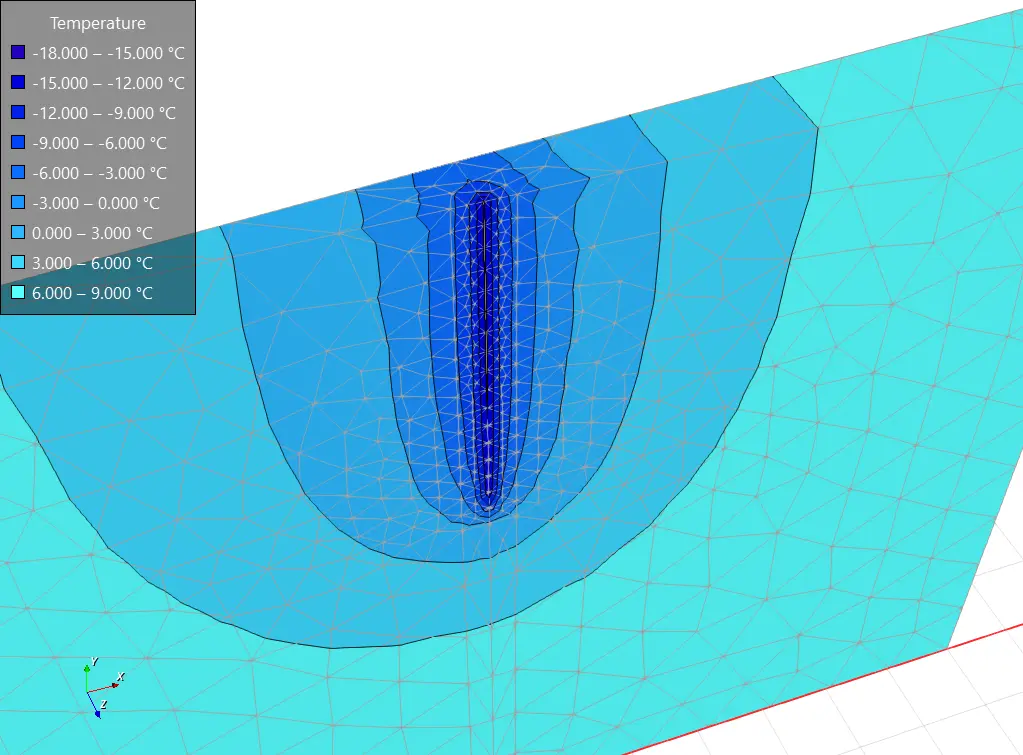
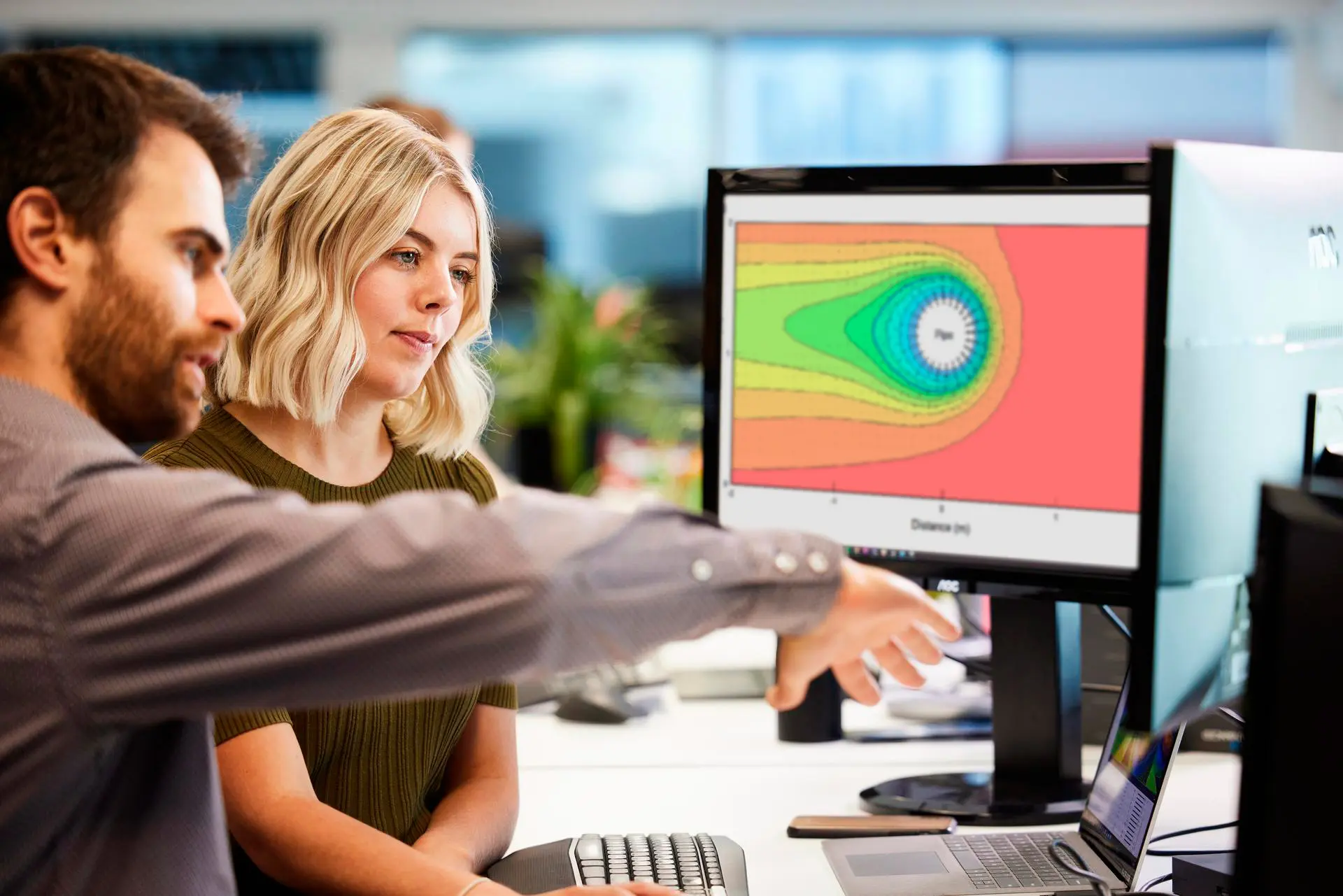
Solve big soil thermal problems
Study the effects of changing climate conditions on engineered structures, as well as the impacts engineered structures have on ground conditions over time.
Examples include the effect of structures on permafrost, ground stabilisation using active and passive systems, freeze-thaw actions under roads, insulation options, groundwater control, and more.
Complete the picture with integrations
When you combine TEMP/W with SEEP/W and AIR/W, unlock powerful capabilities for modelling heat transfer patterns generated by changing groundwater flow and air flow.
Understanding these interactions enables better decisions for projects impacted by fluctuating temperatures and cyclic climate conditions.
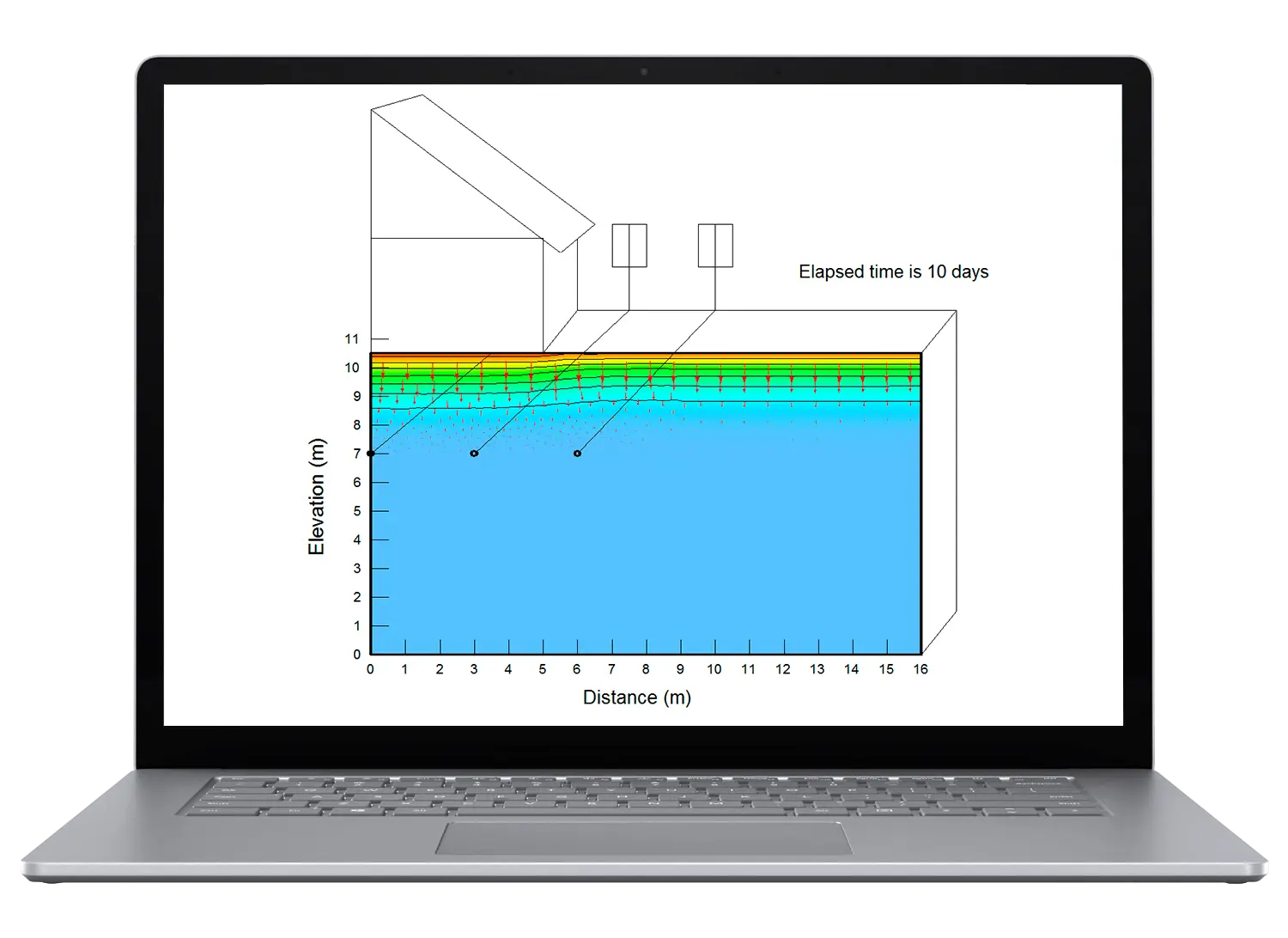
TEMP/W and TEMP3D are part of GeoStudio integrated geo-engineering software
TEMP/W Stories
GeoStudio Answer Hour: New Features in GeoStudio
GeoStudio 2024.1 continues to build on Seequent’s geotechnical analysis solution, with the addition of many…

Integrate, communicate, and interpret geotechnical data
with industry-leading geo-engineering numerical modelling
Try it nowKey features

Apply a range of boundary conditions
Access the built-in boundary condition library to simulate conditions such as ground freezing, and study interactions between climate conditions and ground thermal response.
Observe temperature effects on systems
Analyse problems such as permafrost changes due to climate change, the effect of engineered structures on thermal regimes, and ground freezing in groundwater flow systems.
Set your exact model conditions
Choose from several thermal models and then define material constants or functions for thermal conductivity, volumetric heat capacity, unfrozen water content, and more.

Analyse ground freezing systems
Use the convective surface and thermosyphon boundary conditions to analyse and design ground freezing systems in porous media.

Investigate the most complex problems
Apply the rigorous convergence criterion and under-relaxation scheme to model demanding freeze-thaw problems, and create models with large spatial and temperature variability.
Drill down into results
Select any node or gauss region to view result information, including temperature, thermal flux, material properties, and more.
View results of transient analyses
Create time-varying plots of results in transient analyses, such as temperature, heat flux, cumulative energy flux, etc.
Useful Information
System Requirements
We recommend you use Windows 10, with a reasonably fast processor, mid range graphics and 32GB of system memory.
Supported Data/Formats
Supported kinds of data and formats that you can use with GeoStudio